
Enterprise Partner Portal
The Enterprise Partner Portal (EPP) is Markaaz's hosted UI for performing business lookups and adjusting settings. You will be provided an EPP login when your account is created.
The Business Lookup feature allows you to manually run an Advanced Match. When this is done the full suite of Verification APIs (Firmogrpahic, Compliance, etc.) are also run, and the results are combined for the output. This processes uses the same APIs documented on this dev portal, and operates against the same database.
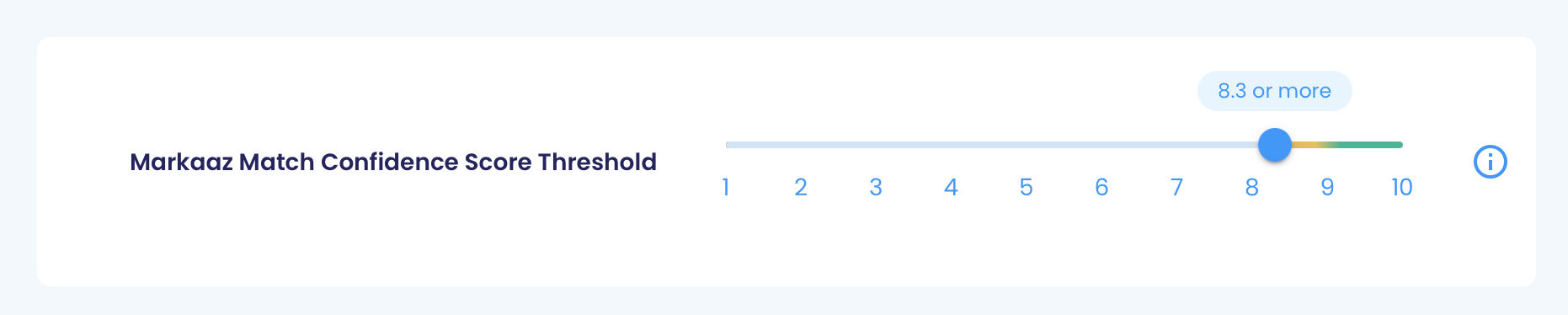
Under Settings>System Level Settings you will find your Markaaz Match Confidence Score Threshold setting. This is the default value that will be used for all matchConfidenceThreshold values in Advanced Match requests. This default value can be changed at any time and is only changeable via the EPP UI.
Also under Settings>System Level Settings you can find the following:
- Authentication and Endpoint Details: Here you can find your API Key, Partner ID, and the base URL needed for API requests. Note these values a different between production and sandbox.
- Contract Terms (read only): Here you can view which endpoints have been enabled for your account. Attempting to access endpoints for which you are not configured will result in a 403 error response.
- SFTP, Batch, and Decisioning configuration: Contact Markaaz for guidance if you are using these features.
Updated 2 months ago